

Parts to the workshop while the car is still on the ramp.
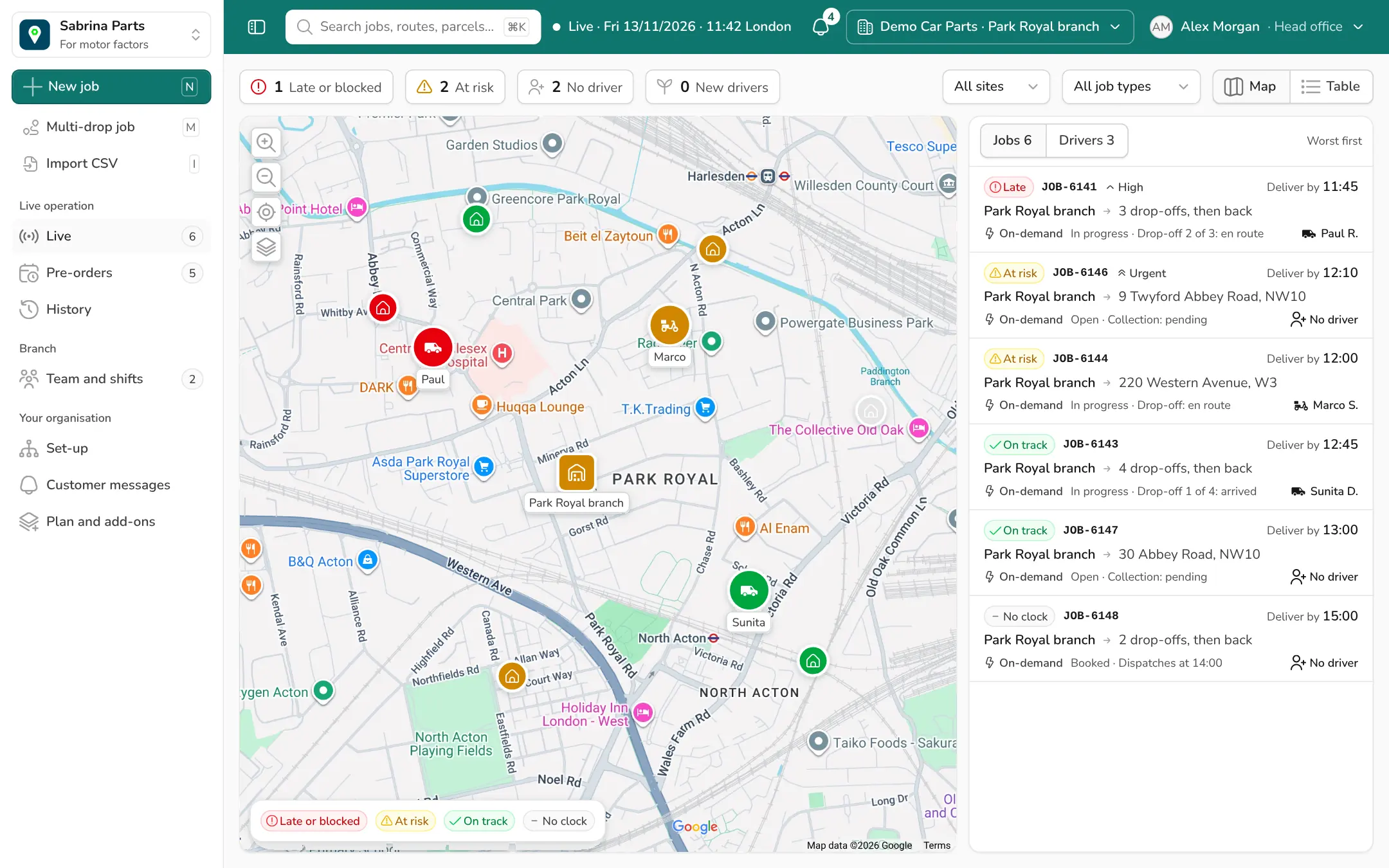
Sabrina Parts is a delivery management system for motor factors. Your vans and our riders on one live screen, in every branch, so the counter always knows where the part is.
We usually reply the same day.
Delivery Mates already delivers for





The sale takes a minute. The delivery is where you lose the customer.
"Where's my part?"
The garage rings the counter. The counter rings the driver. The driver is driving. Nobody can say when it lands.
"Who's out, and who's back?"
Vans leave with a handful of drops. The branch finds out a run is late when the customer does.
"How are my branches doing?"
Head office gets delivery figures late, from a spreadsheet, and every branch counts them differently.
From the shelf to the ramp in four steps
The same four steps for your own vans and for our riders.
Step 1 · Counter
Take the order
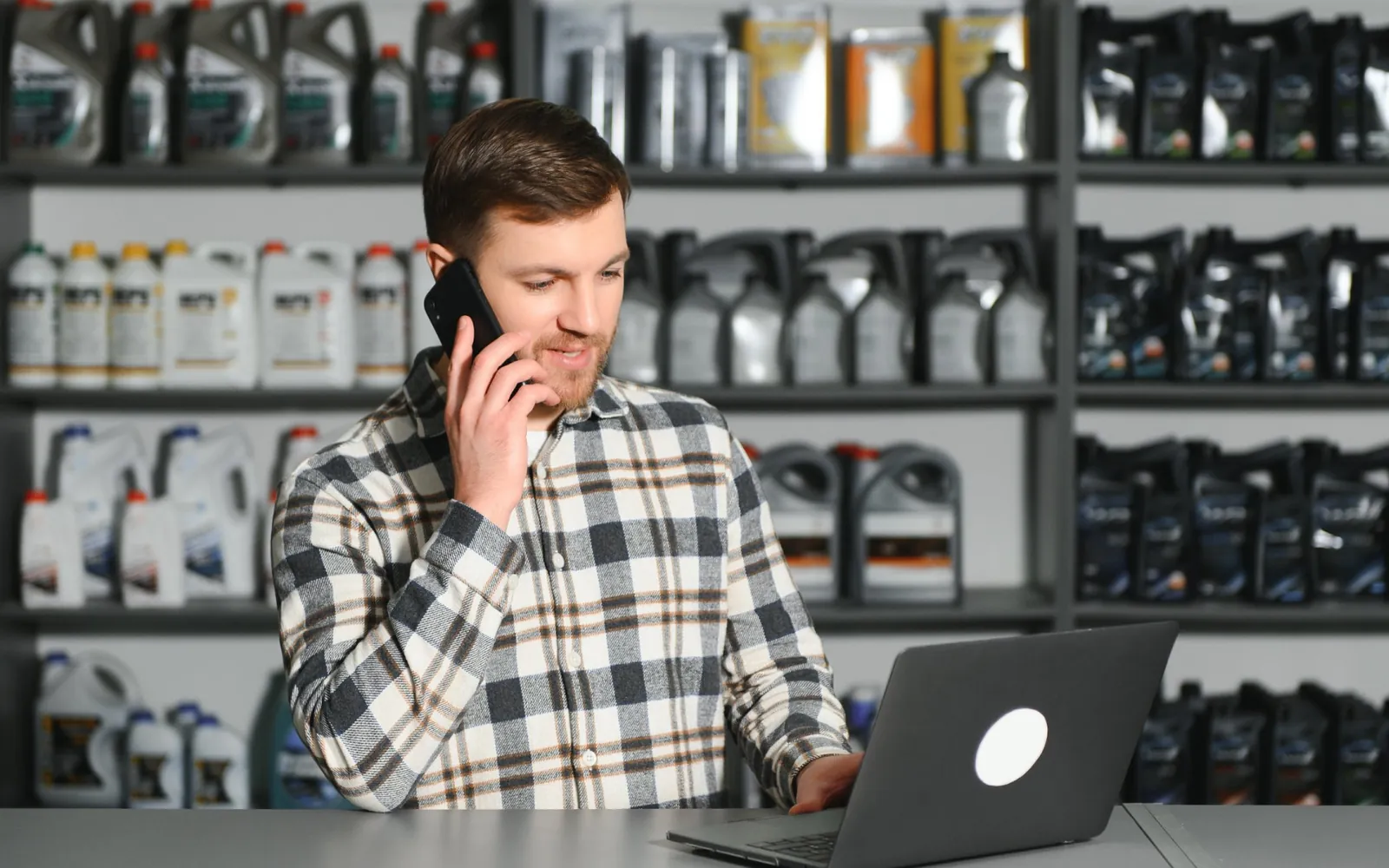
The garage rings the counter. Type the collection once and paste the drop-offs, one per line.
Step 2 · Stockroom
Pick and dispatch it
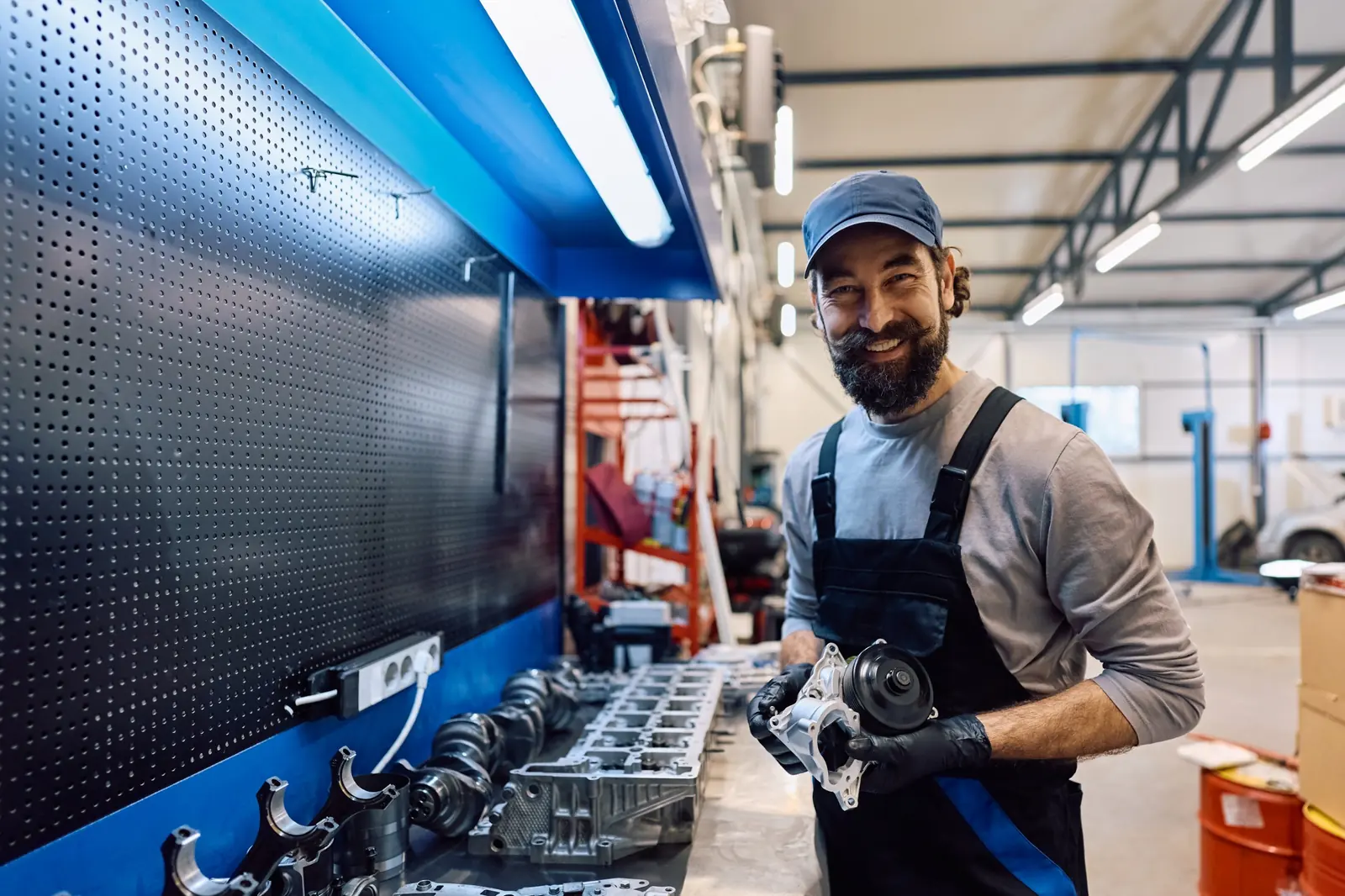
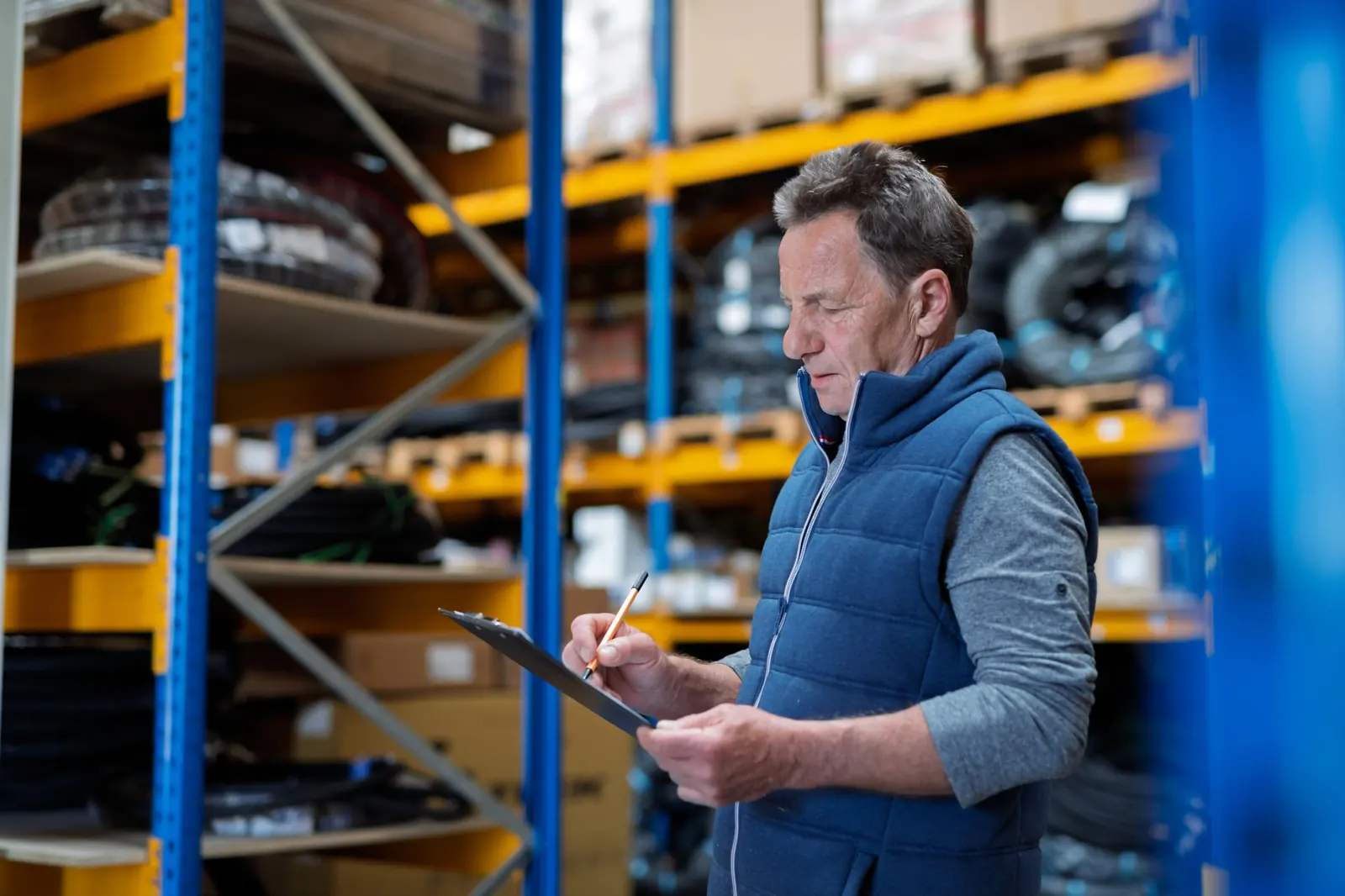
Pick the parts and add them to a run. One job, several drops, back to the branch.
Step 3 · Door
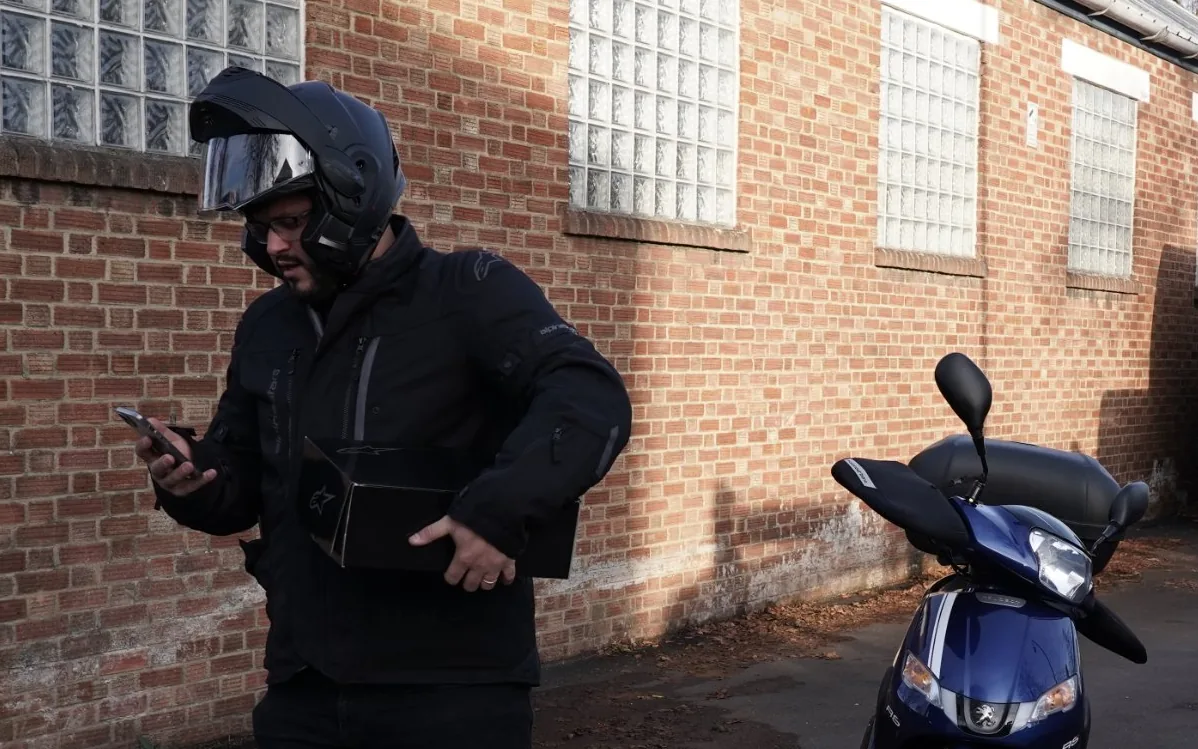
Give it to a driver
Your van or our rider, picked from the same list. Before you confirm, you see whether the extra run makes anything late.
Step 4 · Garage
Watch it land
Every drop-off shows on track, at risk or late, with the reason and the time. Proof of delivery is on the job when it's done.
One screen for each job in the business
Branch controller
Runs the day
A live map and a job list, worst first. Late and at-risk jobs say why, and who is handling them.
- Your drivers and our riders on one screen
- Single jobs, multi-drop runs and CSV import
- Pre-orders for later in the day
- Automatic job creation from some branch management systems
Branch manager
Runs the team
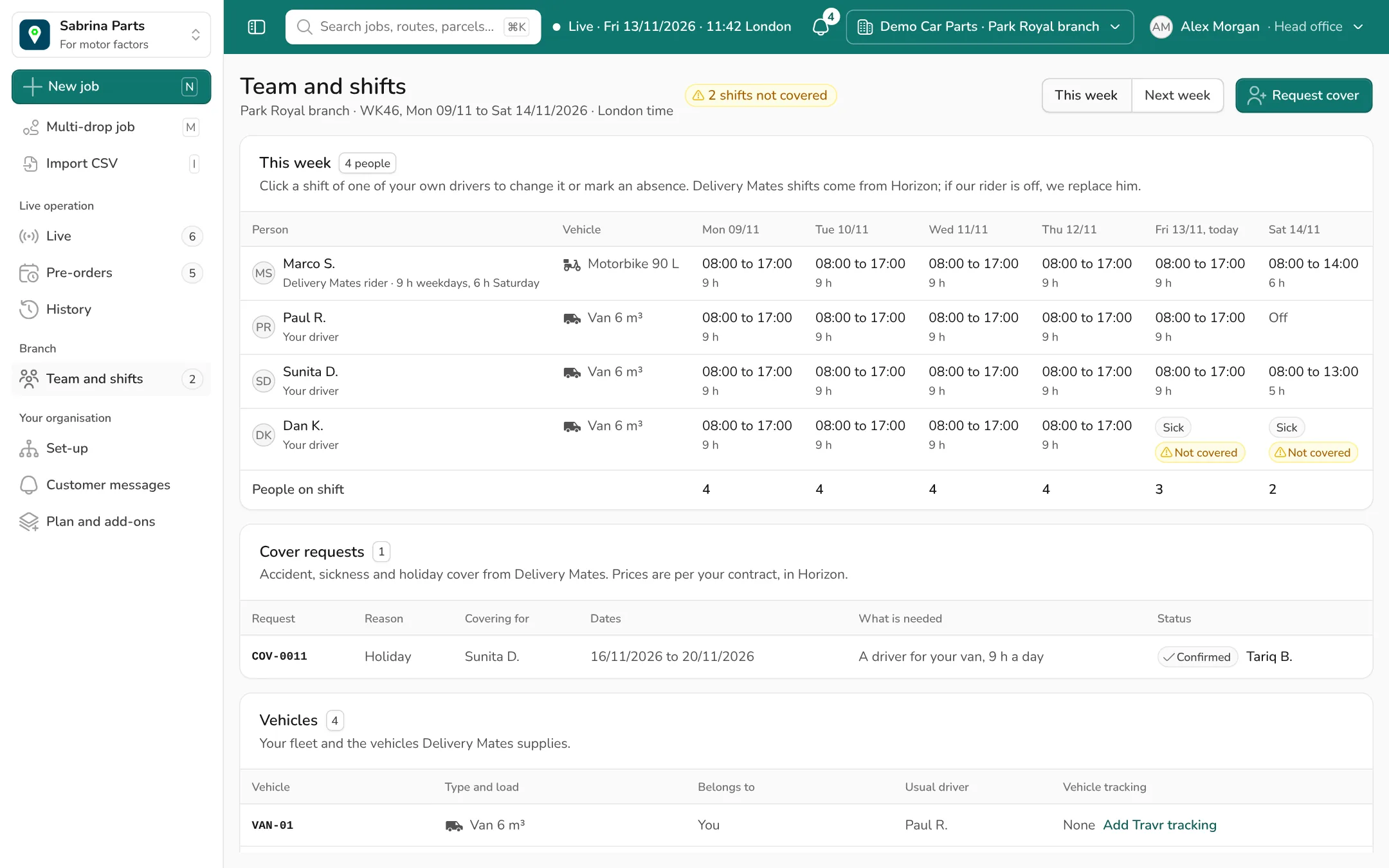
This week and next week for your own drivers and our riders. A shift with nobody on it shows "Not covered" straight away.
- Shifts, days off, holiday and sickness
- Request cover from the gap itself
- Drivers, vehicles and their tracking in one place
Head office
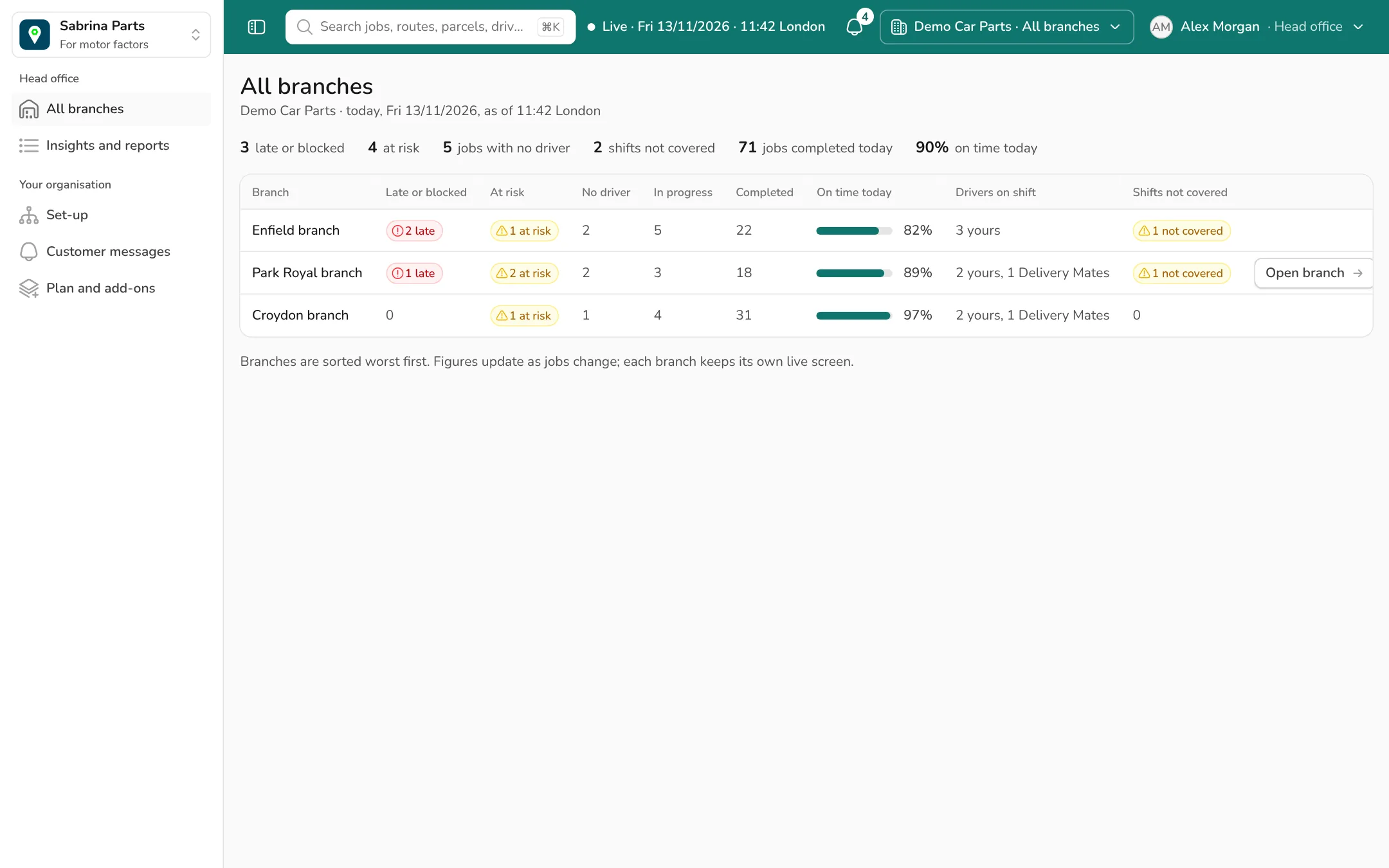
Sees every branch
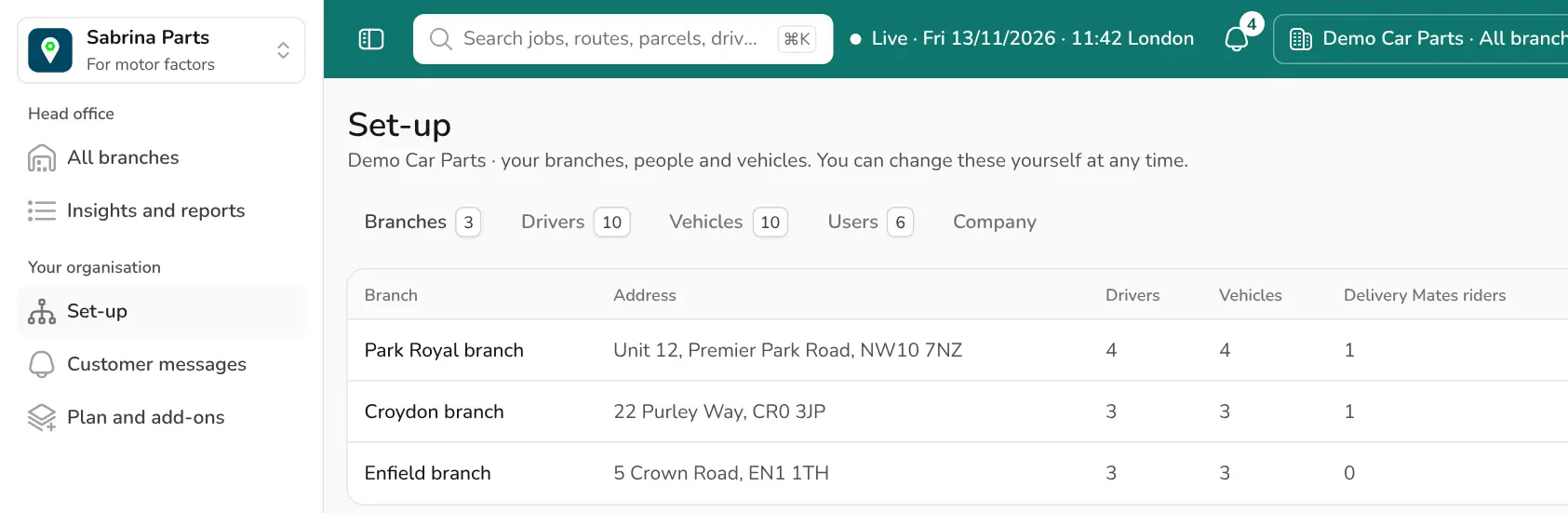
All your branches side by side for today, worst first: late jobs, jobs with no driver, shifts not covered, on-time rate.
- One click into any branch's live screen
- Add branches, drivers and users yourself
- Reports you switch on or off
More reasons head office asks for Sabrina Parts
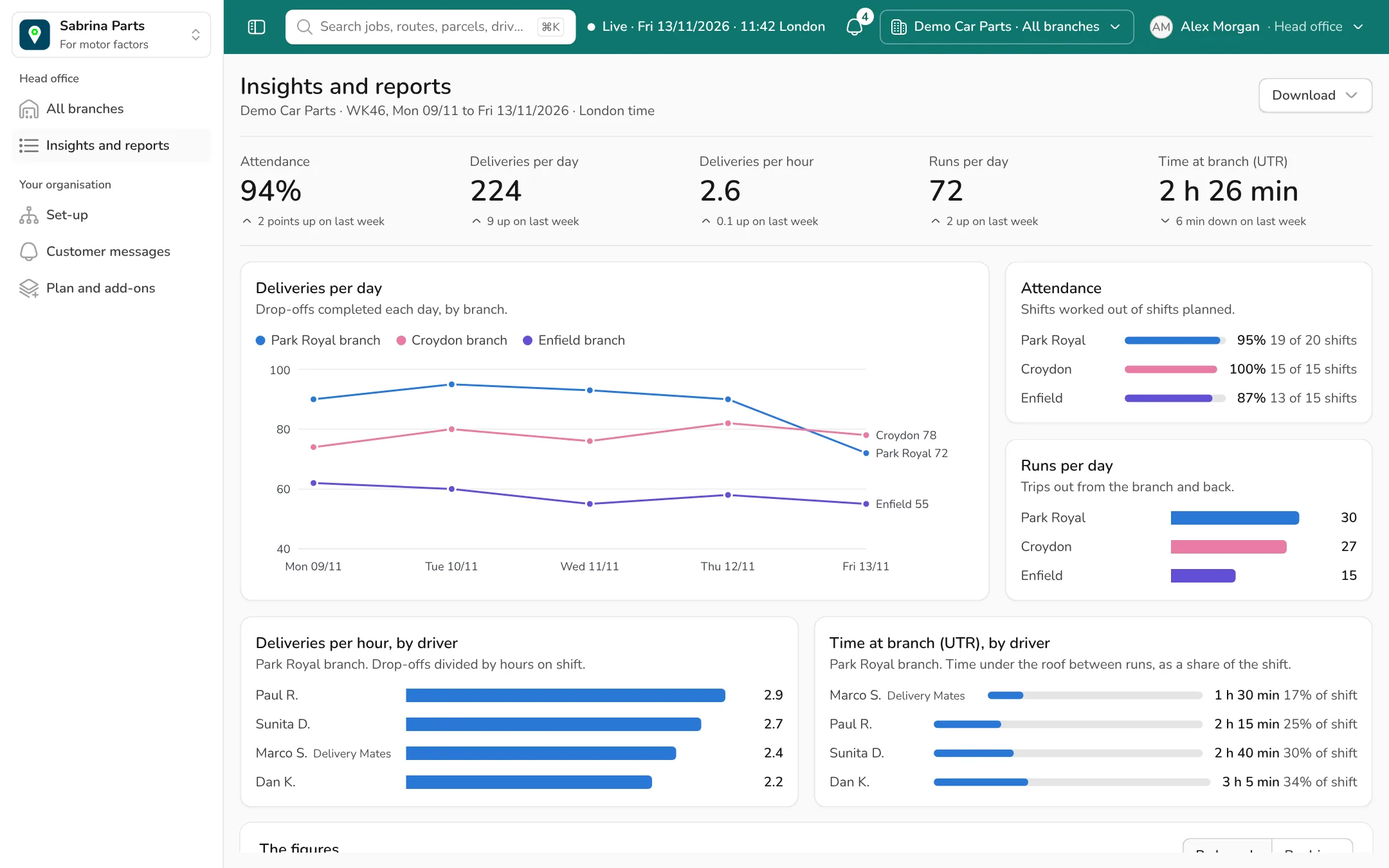
By branch and by driver, with your drivers and our riders measured the same way. Each figure shows what it is worked out from.
- Attendance · shifts worked out of shifts planned
- Deliveries per day
- Deliveries per hour · drop-offs divided by hours on shift
- Runs per day · trips out from the branch and back
- Time at branch · under the roof, between runs
- Service time at customer
- Cost per delivery
- Branch efficiency
- Return process control · used parts
Download as a formatted PDF, an Excel workbook or a CSV.
Buy the software, the riders, the drivers, or all three
Take any mix, branch by branch. What you buy decides what your screens show.
Sabrina Parts software
Dispatch for your own vans and drivers. Add branches, drivers, vehicles and users yourself, whenever you like.
Motorbike and rider
A fixed rider at your branch for the day shift: 9, 8 or 7 hours on weekdays, 6 on Saturday. If he's off, we replace him. That's part of the service.
A driver for your van
Your vehicle, our driver. We don't supply vans, so nothing changes on your fleet.
ASH cover
Accident, sickness and holiday cover
When one of your own drivers is off, ask for cover from the gap in the rota: a driver for your van, or a motorbike and rider.
Vehicle tracking and video
Native integration with Travr Fleet telemetry: tracking and video for your vans, shown beside each vehicle.
Set it up yourself, one branch at a time
A branch needs three things: a controller, a driver and a vehicle. Add them and press "Go live". You don't wait for us, during onboarding or after.
Start with one branch. Add the next when the first is running.
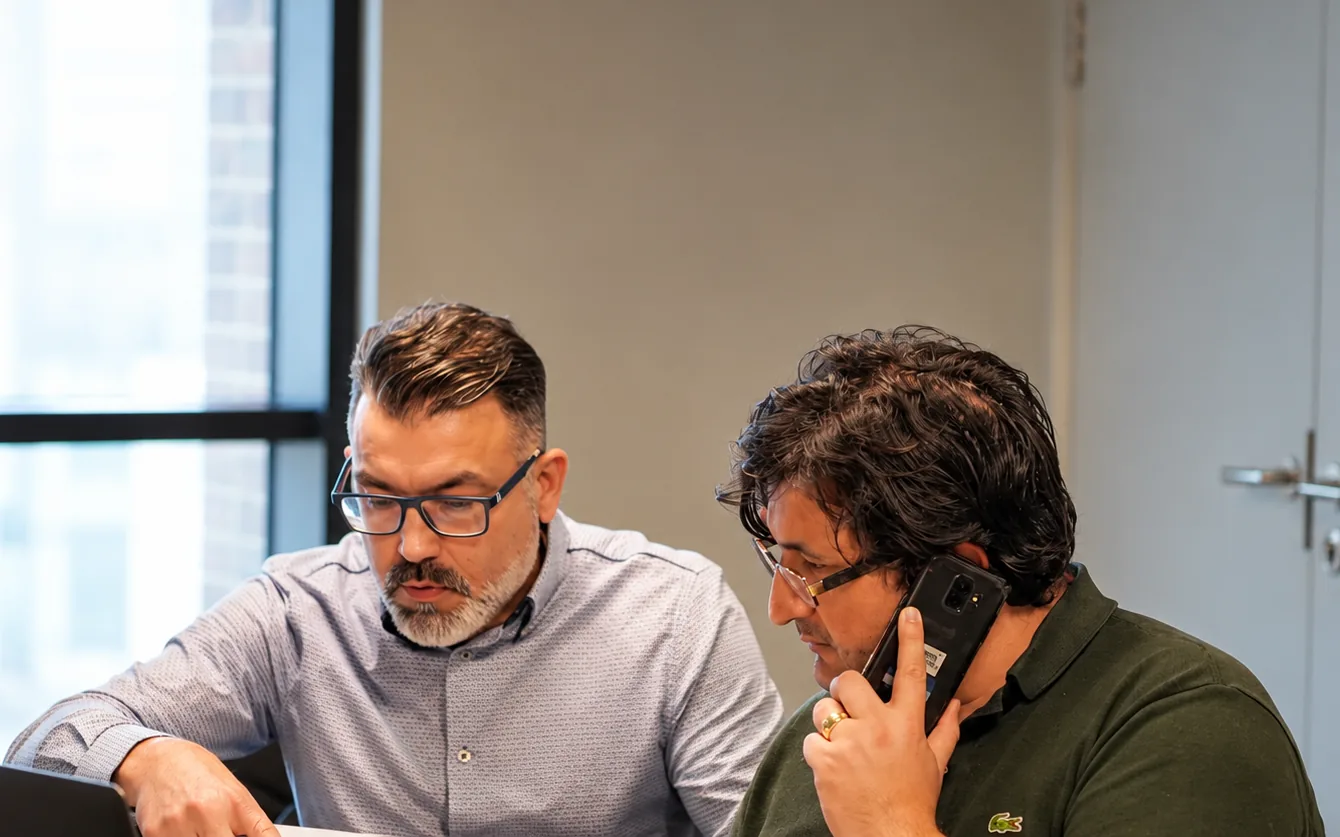
Built by people who deliver parts every day


- carbon-free vehicles
- 500+
- experienced couriers
- 1,000+
- seven days a week
- 6:00 to 23:00
Questions factors ask us
Do we have to use your riders?
No. You can license the software for branches where we supply nobody.
Can our own vans and drivers use it?
Yes. Your drivers and our riders are given work the same way, on the same screen.
What happens when your rider is off?
We replace him. It's part of the service, so you don't need to ask.
Do you supply vans?
No. We supply a driver for your van, or a motorbike and rider.
Who can see what?
Head office sees every branch. A regional manager sees their cluster of branches. A branch manager and a branch controller see their own.
What does it cost?
It depends on the mix of software, riders and cover. Tell us about your branches and we'll send a quote, usually the same day.

See a day's deliveries on screen
Tell us about your branches and we'll walk you through Sabrina Parts: the live screen, the rota and the head office figures. We usually reply the same day.
Rather talk now? Call 020 3743 3130
Demo requested
Thanks. We have your details and usually reply the same day to fix a time.
Rather talk now? Call 020 3743 3130